Paste your Shopify address. See your store on KartMojo.
Your products, images and collections come across on their own. Your Shopify store keeps running, and nothing is imported until you have checked it.
- We never ask for your Shopify password
- No files to export for your catalogue
- Included on the free plan
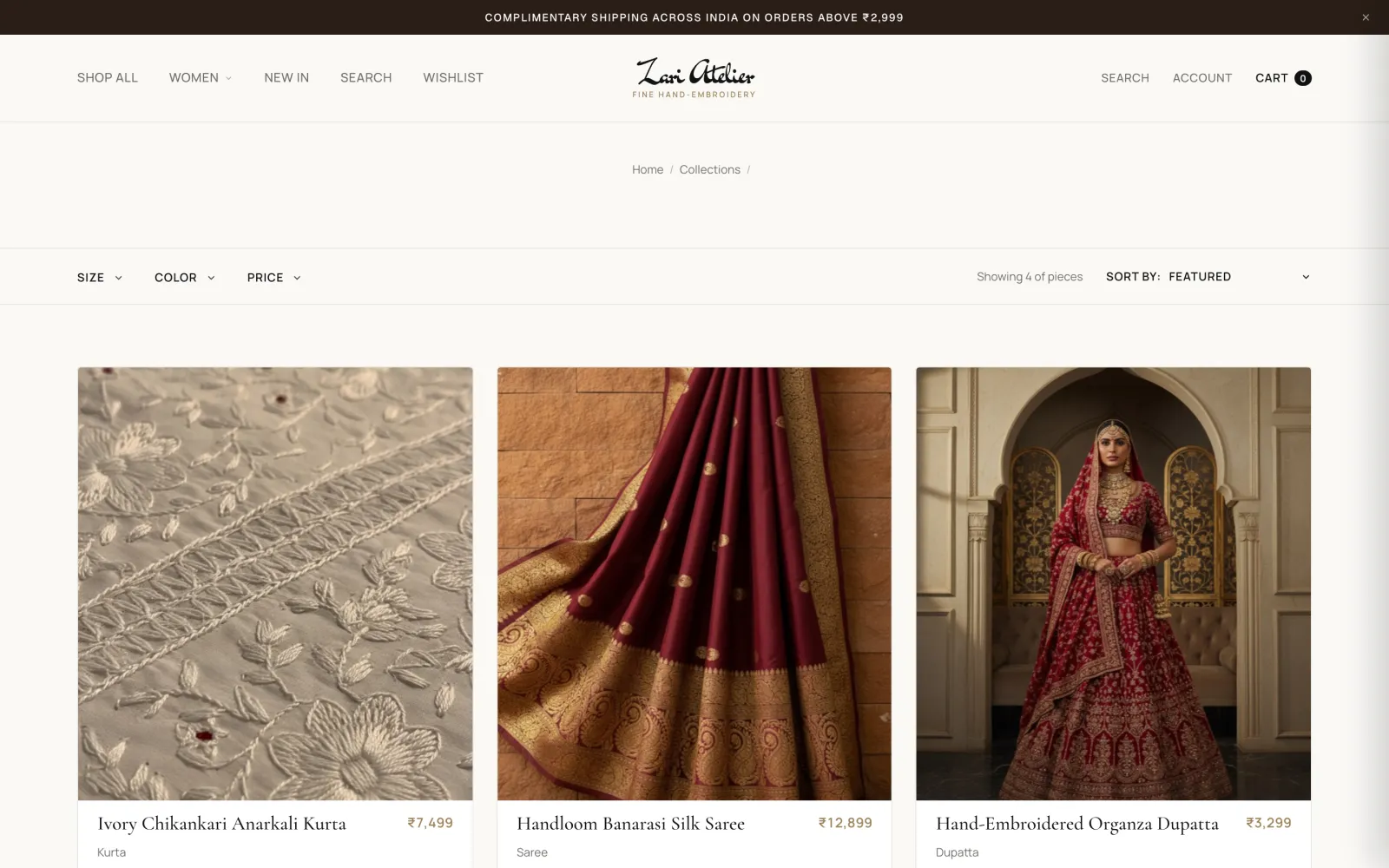
Every part of your store, and how it gets here.
Most of it needs nothing from you. The private parts come from files only you can export. A few things stay behind, and we would rather you knew now.
- Products and variantsSizes, colours, prices, compare-at pricesComes on its own
- Product images and videosCopied into your own media libraryComes on its own
- CollectionsWith the products inside each oneComes on its own
- SEO titles and descriptionsRead from each product pageComes on its own
- CustomersNames, contacts, addresses, marketing consentFrom your export
- Order historyArrives as past orders. No emails are sentFrom your export
- Discount codesValues, limits, dates, times usedFrom your export
- Stock levels and draftsFrom your Products or Inventory exportFrom your export
- ReviewsFrom the Judge.me app, with ratingsFrom your export
- Your Shopify themeYou pick a KartMojo theme after the importDoes not move
- Shopify appsApps and their data stay with ShopifyDoes not move
- Pages and blog postsNot copied. You write or paste them hereDoes not move
- Gift card balancesNot brought overDoes not move
You see the result before anything changes.
The import starts with a check. It counts what is new, what is already here and what cannot come over, with the reason for each row. You press Import only after that.
- Your own products, with pictures and prices, listed before the import
- A downloadable list of every row that was skipped, and why
- New products arrive as drafts until you add stock and publish
Move at your own pace. Shopify keeps selling.
We only read your store. Nothing on Shopify changes until you point your domain here, and you can run the import as many times as you like. A second run brings only what is new.
- Today
Paste your address. Your catalogue arrives.
- This week
Pick a theme, connect payments, add stock.
- The day before
Run it again. Only new orders and customers come.
- Switch day
Point your domain. Old links redirect.
The links you have shared keep working.
Product, collection and page addresses keep the shape they had on Shopify, so most links need nothing. Where an address had to change, the old one redirects to the new one once your domain points here.
Shopify takes a cut of every online payment in India. See yours.
Shopify charges a fee on payments that go through another gateway, on top of the gateway's own charge. Move the slider to your monthly online sales.
₹1,994 plan + 2% on payments through your gateway
₹3,999 plan, no commission on orders
₹3,995 less each month, ₹47,940 over a year.
Monthly billing, before GST. Your payment gateway's own charges are the same on both and are left out, as are any Shopify app subscriptions. Shopify's figures are from its India pricing page, read on 13 October 2026. Shopify Payments is not offered in India, so its fee for other gateways applies to online payments there.
What you add apps for on Shopify is already here.
Cash on delivery
A switch in Settings, with its own rules. COD orders carry no KartMojo commission.
UPI, cards, netbanking
Through your own Razorpay or Cashfree account. KartMojo never holds your money.
GST invoices
HSN code, place of supply and the CGST, SGST or IGST split on every order.
Shiprocket
Ship with your own account. Tracking goes back to the customer.
WhatsApp
Order updates and AI replies from your catalogue, on your own AiSensy or Twilio number.




Then choose the look, with your own products in it.
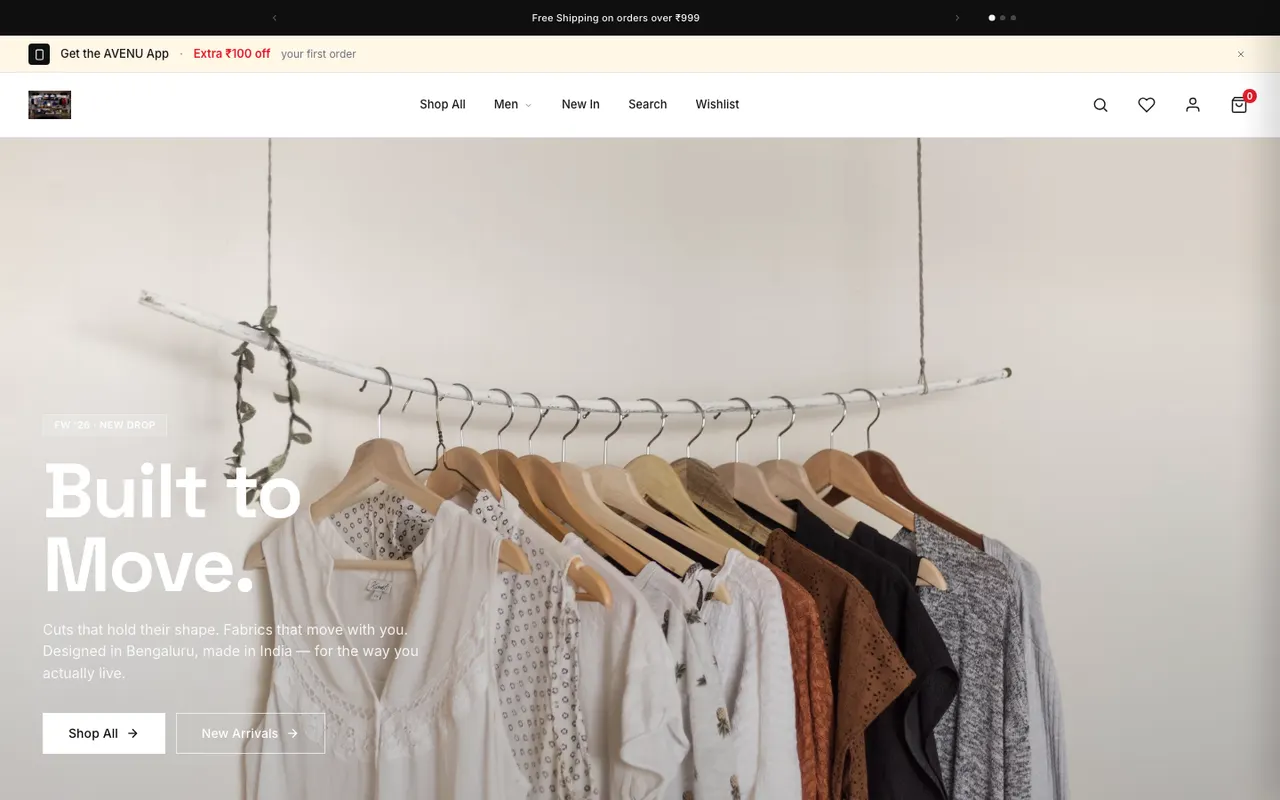
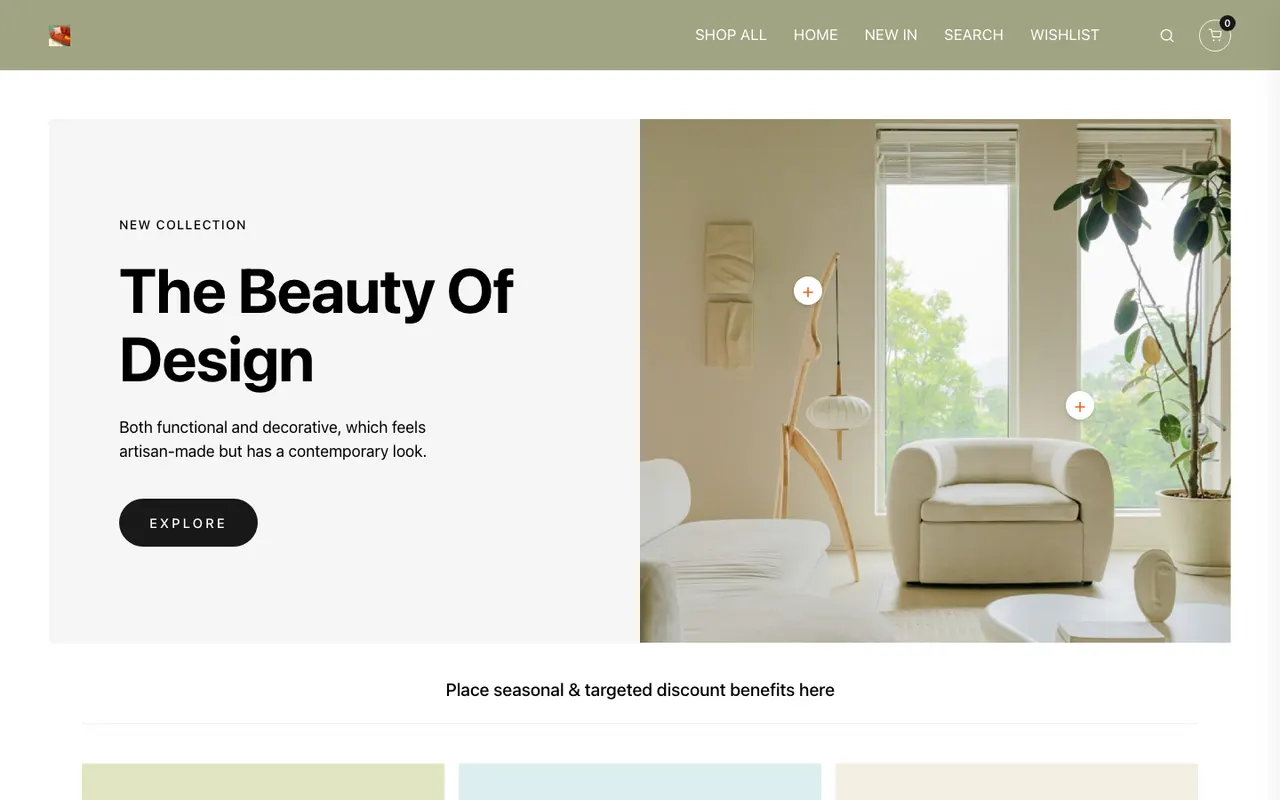
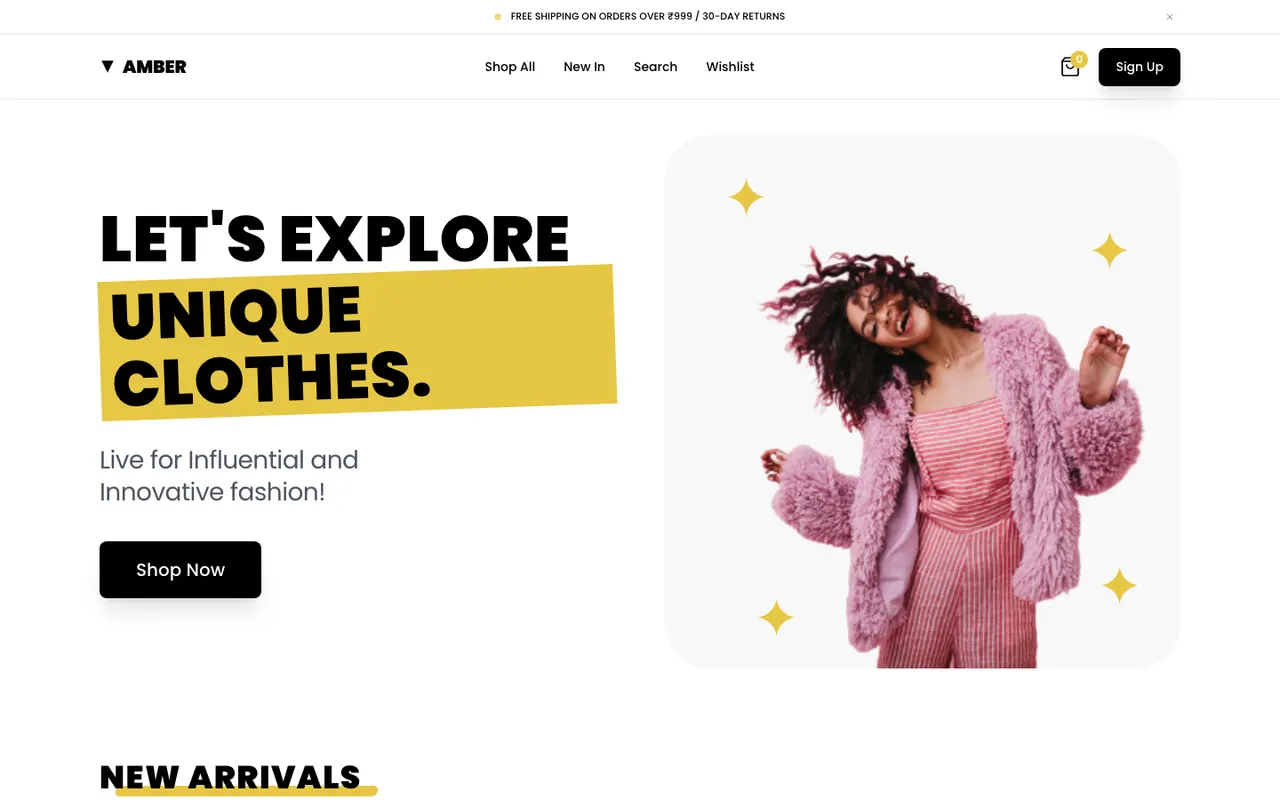
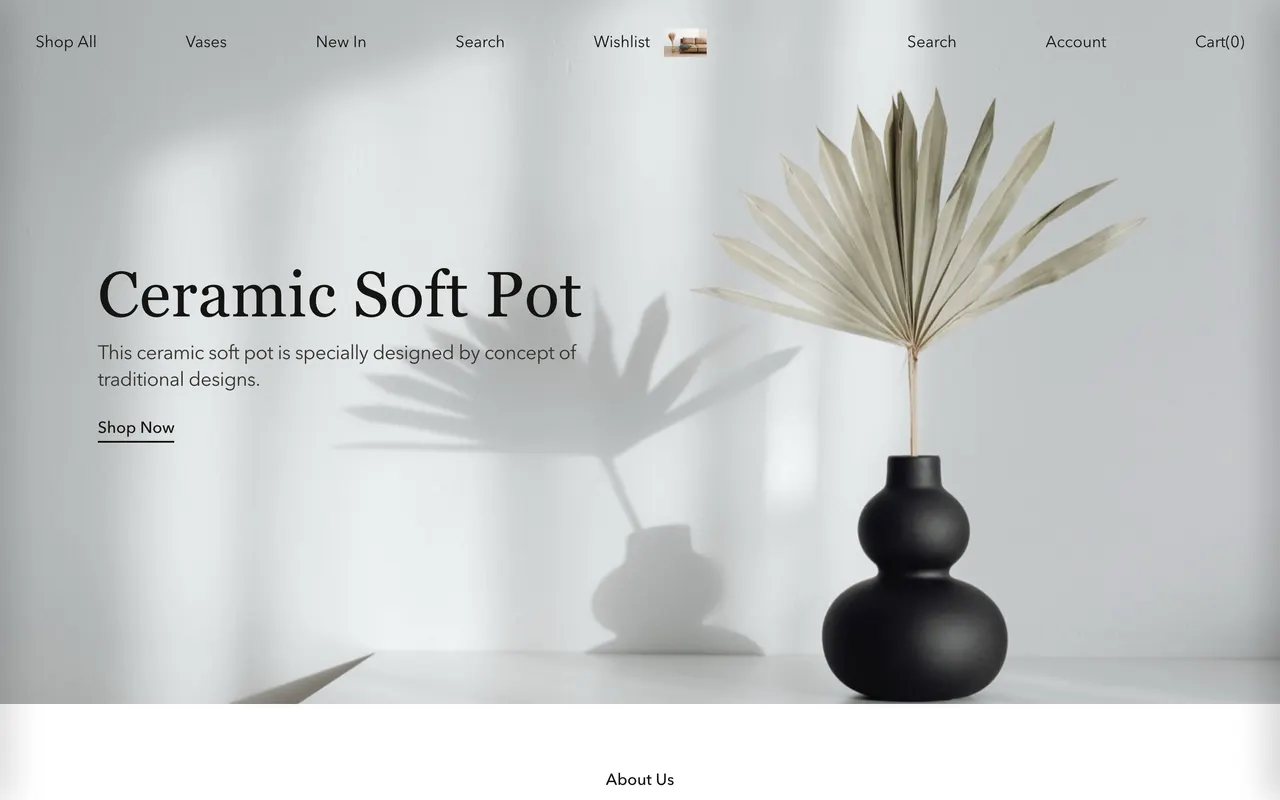
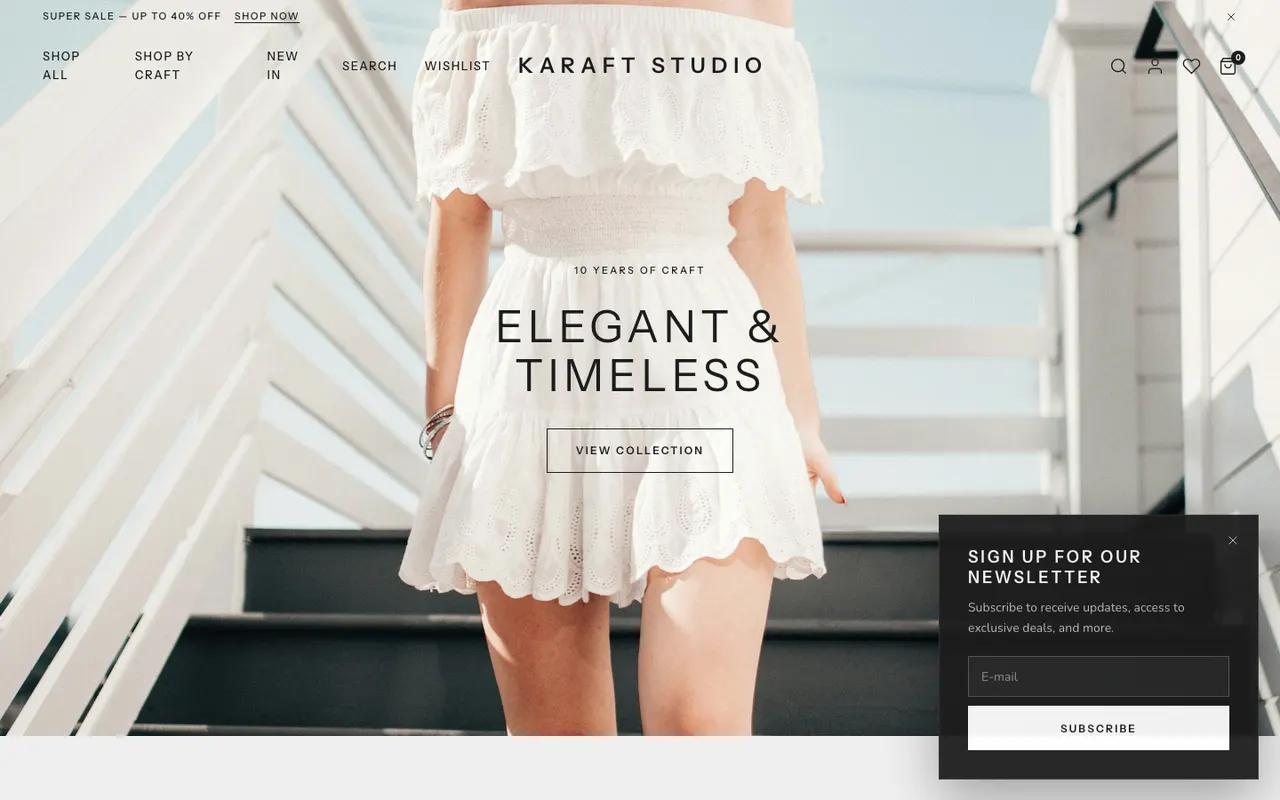
Your Shopify theme does not come over. You pick a KartMojo theme once your catalogue is in, so you see it with your real products.



When Shopify is the better choice
If you sell in several currencies, rely on a particular Shopify app, or need a point-of-sale system in a shop, stay where you are for now. KartMojo is built for selling online in India. Read the full comparison
Questions sellers ask before moving
Do you need my Shopify password?
No. Your catalogue is read from your public store address, the same pages any shopper sees. Customers, orders and discount codes come from files you export yourself. KartMojo never signs in to your Shopify account.
Can I keep selling on Shopify while I move?
Yes. Import now and set up your store in your own time. Just before you switch your domain, run the import again with fresh exports. Only new orders and customers come across, and nothing is imported twice.
Will my customers get emails when their orders are imported?
No. Importing history sends no order emails, WhatsApp messages or invoices.
What happens to my Google ranking and old links?
Product, collection and page addresses use the same shape as Shopify's, so most links work unchanged once your domain points to KartMojo. Where an address had to change, the old one redirects to the new one.
My Shopify store is in private mode. Can I still move?
Yes. Switch private mode off for a few minutes so the catalogue can be read, then switch it back on. If you cannot, upload your Products export and the import uses that. Collections are not part of that file.
Do my products go live straight away?
Not until you say so. A store address carries no stock numbers, so new products arrive as drafts. Add stock, or upload your Products or Inventory export, then publish.
What does not come over?
Your Shopify theme, apps, pages and blog posts, and gift card balances. Refund amounts on partially refunded orders are not carried either; those orders arrive at their original total.
Which plan do I need?
Any plan. The import is included on every KartMojo plan, the free Launch plan too.
See your own products here. Then decide.
Paste your address, look at your catalogue in KartMojo, and keep selling on Shopify while you make up your mind.
Run it again any time. Nothing imports twice.